

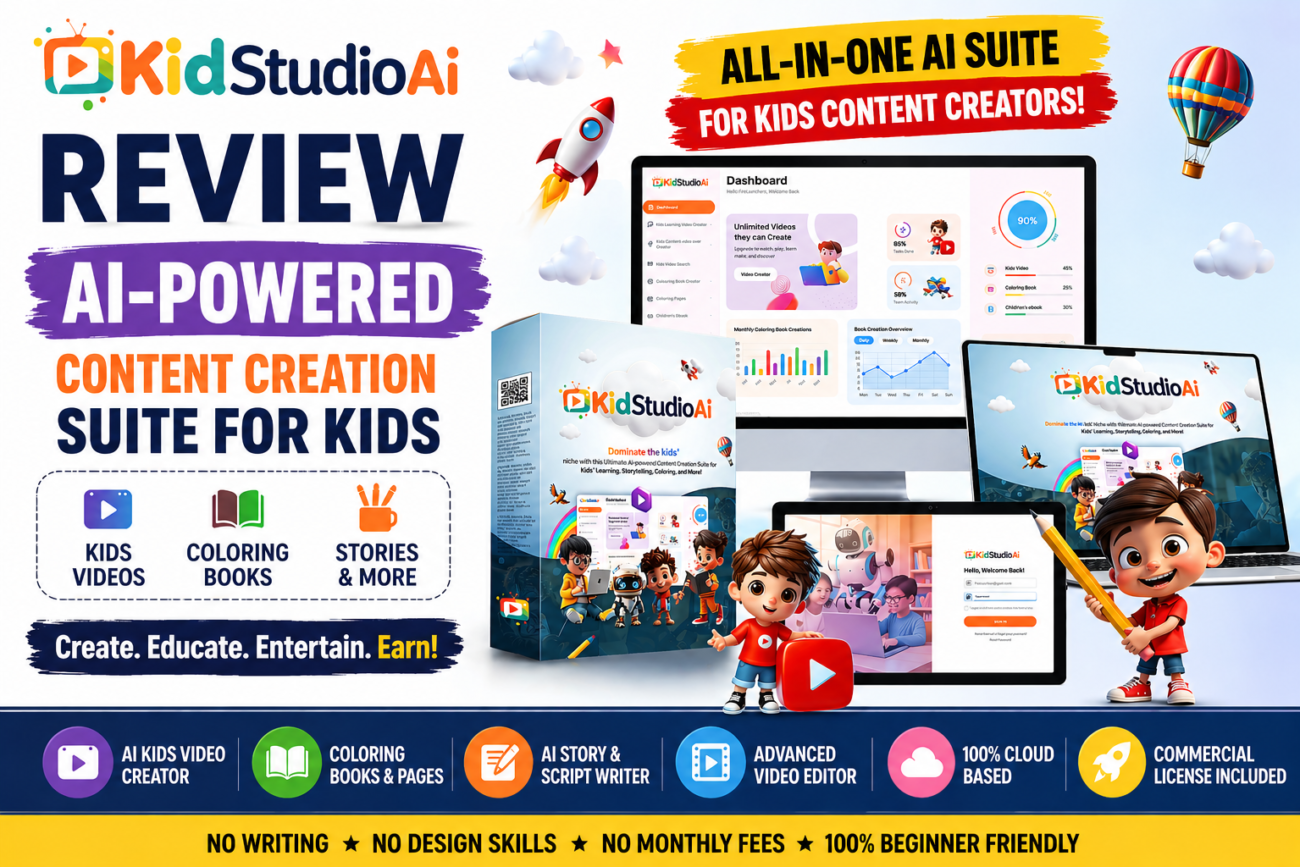
KidStudio AI Review 2026: Honest Breakdown After 30 Days of Testing
If you’ve been researching AI tools for creating kids content — coloring books, story videos, printable activity pages — you’ve probably already landed on KidStudio AI as one of the more talked-about options in 2026.
This review covers what the platform actually does, where it delivers, where it falls short, and most importantly: whether it’s the right tool for your specific situation. No fluff, no affiliate cheerleading — just a straight breakdown of features, pricing, and realistic outcomes.
And if you’re already sold on the idea of entering the kids digital content space and just want the full picture of what’s possible, our kids content business startup guide lays out the broader opportunity before you commit to any tool.
What Is KidStudio AI?
KidStudio AI is a cloud-based content creation platform built specifically for the children’s digital content market. It was developed by Firelaunchers and positioned as the first all-in-one AI suite focused entirely on kids content — as opposed to general-purpose AI tools that creators try to adapt for this niche.
The platform covers three primary output types: kids story and educational videos, printable coloring pages, and illustrated coloring books. Everything runs in a browser dashboard — no downloads, no installs, works on Mac, PC, iOS, and Android.
Core Features: What You Actually Get
AI Kids Video Creator
This is the centerpiece of the platform. You select a niche (superheroes, fairy tales, moral lessons, bravery, bedtime stories, funny content, fables, empathy, fiction, or horror-lite), enter a theme or topic, and the AI generates a script, selects illustrations, and assembles a slide-based video. The Pro tier allows up to 20 slides per video; the base tier gives you 10.
Output quality is solid for the use case. These are illustrated story-style videos — think narrated slide shows with animated transitions — not full animation. That’s an important distinction. If you’re expecting Pixar-style output, you’ll be disappointed. If you’re building a YouTube Kids channel or creating educational content for parents and teachers, the output is appropriate and consistent.
AI Coloring Book and Page Creator
Probably the strongest module in the platform. You can pull images from Pixabay’s database or upload your own, then convert them into clean child-appropriate line art. The AI handles the conversion to black-and-white outline illustration style — which is specifically what’s needed for KDP and Etsy printable products.
The commercial license covers everything you create, meaning you can sell directly on Amazon KDP, Etsy, Gumroad, or your own storefront without additional licensing fees.
AI Content Writer
Built into the dashboard, this generates scripts, storylines, rhymes, dialogue, and educational content prompts based on your input theme. Useful for maintaining publishing consistency — particularly for YouTube channels that need to post two to three times per week.
Video Editor
Full-featured editor with resolution presets for YouTube, Instagram, Facebook, and Reels up to 1920p HD. Supports watermarks, brand logos, trim/crop/rotate, voiceover, background music, sound effects, and four animation styles. Drag-and-drop text alignment. For a bundled feature inside a content creation tool, it’s more capable than expected.
Pricing: What It Actually Costs
This is where KidStudio AI diverges significantly from the rest of the market. Most comparable AI content tools charge $29 to $97 per month. KidStudio AI is available at a one-time fee during its current launch period — removing the monthly cost entirely.
The base tier (50 videos, 5 niches, 50 coloring books, unlimited pages) and the Pro/Best Seller tier (unlimited videos, all 10 niches, unlimited books and pages, commercial license, multilingual support, ebook creator, image generator, flipbook creator, and DFY content packs) are both accessible from the KidStudio AI offer page.
The 30-day money-back guarantee removes the purchase risk entirely for anyone who wants to test before committing.
Who Is This Actually For?
KidStudio AI is well-matched for four specific use cases:
Etsy and KDP sellers who want to build a catalog of printable coloring books and pages without hiring illustrators or using Procreate/Illustrator. The coloring page creator is the strongest feature for this audience.
YouTube Kids channel creators who need to publish consistently but don’t have the production bandwidth for manual video creation. The AI video creator handles 80% of the production workflow.
Freelancers on Fiverr and Upwork offering kids content services. The commercial license and fast turnaround make it viable to serve multiple clients simultaneously.
PLR producers creating children’s content bundles to sell with license rights. The breadth of output types — videos, ebooks, coloring books, pages — means you can package comprehensive kids content bundles from a single tool.
What KidStudio AI Is Not
It’s important to be clear about what this platform doesn’t do, to avoid buying it for the wrong reasons:
It does not create full animation. The video output is illustrated slide-based — not frame-by-frame animation like you’d see on YouTube Kids’ biggest channels. For many use cases this is fine; for creators expecting animated characters that move and speak, it won’t meet that expectation.
It is not a standalone writing or illustration tool. The AI generates content based on your inputs, but it works best when you bring specific niche direction and some curation judgment to the output. “Generate something kids will like” is too vague — “generate a 10-page superhero coloring book for boys ages 5-8 with action poses” produces much better results.
Realistic Results to Expect
Etsy sellers in the kids coloring page niche who publish consistently report their first sales within two to four weeks and monthly income of $300 to $1,200 within three to six months on a 30-50 listing shop. Full breakdown of realistic Etsy income timelines is in our Etsy printables niche guide.
KDP publishers typically see $2 to $4 per sale in royalties on a coloring book priced at $6.99 to $9.99. Catalog volume — 15 to 30 books across related niches — is where KDP income compounds. Our step-by-step KDP publishing guide covers the exact setup process.
YouTube Kids channels take six to eighteen months to reach monetization thresholds, but the content created today continues generating views and passive income for years. Creators who publish two to three AI-assisted story videos per week consistently report subscriber growth and eventual monetization.
KidStudio AI: Verdict
For the specific use cases it targets — Etsy printables, KDP coloring books, YouTube Kids channels, and freelance kids content services — KidStudio AI is a well-built, purpose-specific tool that removes the production bottleneck that blocks most people from entering this niche.
It is not a magic income button, and it works best for people who approach it with a clear niche focus and a commitment to publishing volume. But as an AI-assisted production tool for children’s digital content, it delivers what it promises — and the one-time pricing model makes the entry cost unusually low relative to what you’d pay to replicate its capabilities with separate tools.
→ See the full KidStudio AI offer here — including current pricing and what’s included in each tier.
Frequently Asked Questions
Is KidStudio AI a one-time payment or subscription?
During the current launch period, KidStudio AI is available as a one-time payment. After the launch window closes, pricing reverts to a monthly subscription model. The one-time fee option is only guaranteed while the launch offer is active.
Can I sell the content I create with KidStudio AI?
Yes — the commercial license included in the Best Seller and Pro tiers gives you full rights to sell everything you create, offer it as a service to clients, or package it as PLR content. You keep 100% of the revenue with no platform cut or royalty sharing.
Does KidStudio AI work for complete beginners?
The platform is designed specifically for beginners — no coding, no design software, no video editing experience required. Everything runs in a browser dashboard with step-by-step UI. The included training videos cover the full workflow from login to first publish.